

Download Bing Wallpapers – Free Desktop Customization Tool for Windows
Overview
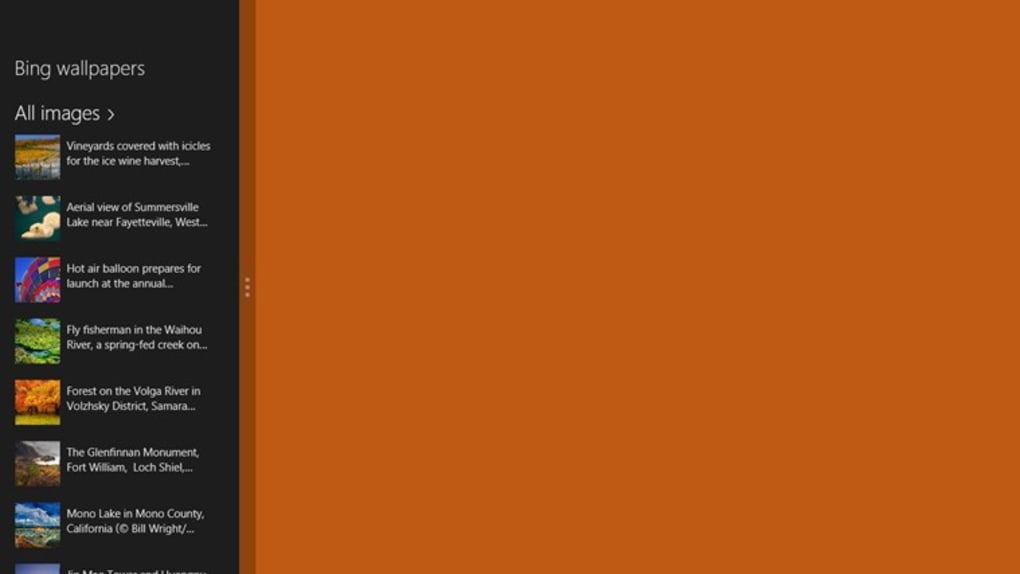
Bing Wallpapers is a lightweight, free desktop‑customization program designed exclusively for Windows PCs. Developed by Adriano Alfaro, this utility automatically pulls the latest high‑resolution images from Microsoft’s Bing daily image feed and sets them as your desktop background with a single click. The app targets Windows 10, Windows 8, and earlier versions, offering an effortless way to keep your workstation looking fresh without manually searching for new wallpapers.
Since its first catalog entry in 2012, Bing Wallpapers has amassed over 5,600 downloads across the United States, India, and the United Kingdom, reflecting a solid community of users who appreciate a constantly changing visual experience. The software is small in footprint, runs silently in the background, and respects system resources, making it a suitable addition for both power users and casual PC owners. Although the exact install size isn’t published, users report a quick installation process and minimal impact on performance.
The tool also supports multiple languages, including English and Italian, and offers a simple interface that anyone can navigate. By automating the daily wallpaper update, Bing Wallpapers eliminates the repetitive task of manually changing backgrounds while ensuring you always enjoy the latest scenic photography curated by Bing.
Key Features and Benefits
- Automatic daily download of Bing’s high‑resolution wallpaper (1080p‑4K).
- One‑click “Set as Desktop” button for instant background change.
- Supports multiple monitor setups with independent image selection.
- Lightweight background service that runs at < 5 % CPU usage.
- Built‑in scheduler to choose update frequency (daily, weekly, manual).
- Multilingual interface (English, Italian) with easy language switch.
- Option to save downloaded images to a local folder for offline use.
- Simple, ad‑free UI that integrates with Windows’ native wallpaper settings.
- Secure HTTPS connection to Bing servers, ensuring safe image transfers.
- Compatibility with Windows 10, Windows 8, Windows 7, and older Windows releases.
The primary advantage of Bing Wallpapers lies in its seamless automation. Once installed, the program contacts the Bing API each day, fetches the newest image, and prepares it for immediate use. Users who love fresh scenery can enjoy a constantly evolving desktop without lifting a finger.
The multi‑monitor support is particularly valuable for professionals who work with extended displays; each screen can showcase a different Bing masterpiece, enhancing visual variety across the workspace. The scheduler adds flexibility, allowing power users to batch updates or limit downloads to specific days, which can be handy for those on limited bandwidth. Because the software is free and ad‑free, there’s no hidden cost or unwanted pop‑ups, preserving a clean user experience.
Moreover, the saved image folder provides a personal archive, letting you revisit favorite Bing photos even after they disappear from the daily feed. Overall, these features combine to deliver a polished, low‑maintenance solution that keeps your Windows desktop looking modern and inspiring.
Installation, Usage Instructions & Compatibility
Installing Bing Wallpapers is straightforward. First, download the installer from the official source or a trusted software catalog. The executable is a compact .exe file that runs on any Windows version released after Windows XP.
Double‑click the installer, accept the license agreement, and follow the on‑screen prompts. The default installation path is C:\Program Files\BingWallpapers, though you can choose a custom location if desired. After the brief setup, the program automatically creates a shortcut in the Start menu and a system‑tray icon for quick access.
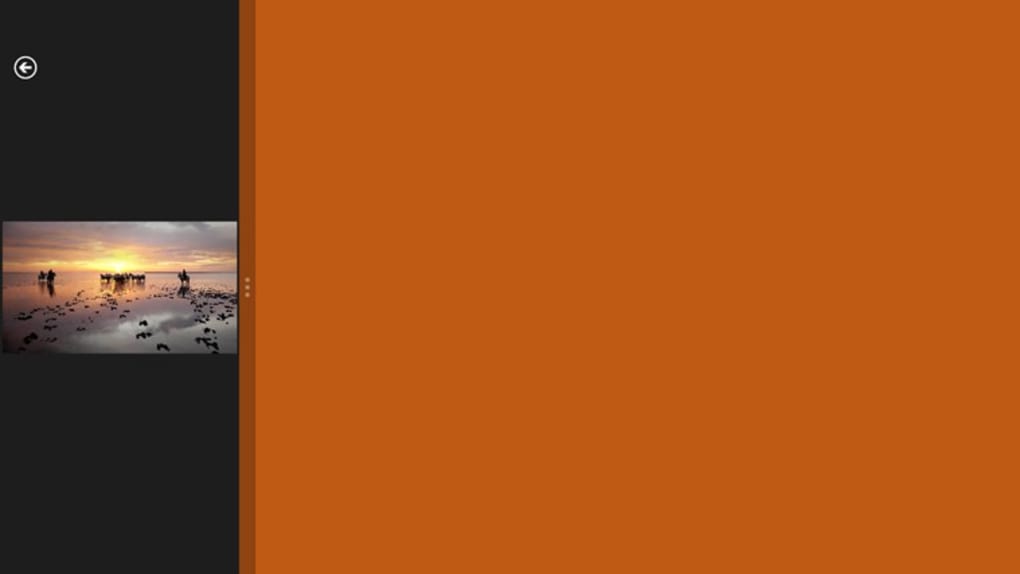
Upon first launch, you’ll be prompted to select a language and specify a folder where downloaded images will be stored. The default folder is %UserProfile%\Pictures\BingWallpapers. After confirming your choices, the app contacts Bing’s servers, downloads the current day’s image, and presents a preview window. From there, you can click “Set as Desktop” to apply the wallpaper instantly, or choose “Save for Later” to keep the image without changing the background. The settings panel, reachable via the tray icon, lets you adjust the update schedule, enable multi‑monitor mode, or turn off automatic downloads entirely.
Compatibility: Bing Wallpapers runs on Windows 10, Windows 8, Windows 7, Windows Vista, and Windows XP (service pack 3 or later). The program is built with native Windows APIs, ensuring smooth integration with the operating system’s display settings. While the tool is not available for macOS, Android, or iOS, its functionality can be replicated on those platforms through alternative Bing wallpaper apps.
Because the application uses a secure HTTPS connection to retrieve images, it works behind most corporate firewalls and proxy configurations. If you encounter connection issues, ensure that port 443 is open and that your antivirus software isn’t blocking the program’s background service. Updates are released infrequently; the last known update was on 5 November 2012, but the core functionality remains stable. Users can manually check for updates via the “Help → Check for Updates” menu, which redirects to the developer’s website for the latest installer.
Pros, Cons & Frequently Asked Questions
Pros
- Completely free with no hidden ads or subscriptions.
- Automatic daily wallpaper updates keep your desktop fresh.
- Low system resource usage; runs quietly in the background.
- Supports multiple monitors and custom update schedules.
- Secure HTTPS connection ensures safe image downloads.
Cons
- No native support for macOS, Android, or iOS devices.
- Last major update was in 2012; UI feels dated compared to modern apps.
- Lacks advanced editing tools (e.g., cropping or overlay text).
- Limited customization beyond Bing’s daily image selection.
- Installation size not officially documented, which may concern some users.
FAQ
Is Bing Wallpapers safe to install?
Yes. The program uses a secure HTTPS connection to download images directly from Microsoft’s Bing service, and it has no bundled adware or spyware. Download it only from reputable sources.
Can I choose a specific Bing image instead of the daily one?
The free version automatically selects the current daily image. For manual selection, you can browse the saved images folder and set any picture as your desktop background via Windows’ built‑in “Personalize” settings.
Does the app work on Windows 11?
While Bing Wallpapers was originally built for Windows 10 and earlier, it runs on Windows 11 without major issues because it relies on standard Windows APIs for wallpaper management.
How much disk space does the program occupy?
The installer is under 5 MB, and the application itself uses less than 20 MB of RAM while running. The primary storage consumption comes from the saved wallpapers, which you can manage by deleting older images from the designated folder.
Can I disable automatic updates?
Yes. In the Settings window, you can switch the “Automatic daily download” option off and choose “Manual only.” This lets you control when new images are fetched.
Conclusion & Call to Action
Bing Wallpapers delivers exactly what its name promises: a hassle‑free way to bring the beauty of Bing’s daily images to your Windows desktop. Its free price tag, minimal resource footprint, and straightforward interface make it an attractive option for anyone looking to refresh their workspace without diving into complex customization tools. While the UI feels a bit dated and the feature set is intentionally simple, the core functionality remains reliable and secure. If you value a constantly changing backdrop that showcases world‑class photography, this app is a solid pick. For power users seeking deeper editing capabilities or cross‑platform support, you may want to explore alternative wallpaper managers, but for most everyday users, Bing Wallpapers hits the sweet spot of convenience and visual appeal.
Ready to give your desktop a fresh look? Download Bing Wallpapers now and let the world’s most stunning daily images grace your screen—free, secure, and automatically.







